LedgerPro guide · Prairie Peak example
How to create invoices and track customer payments
Prairie Peak’s quarter contains paid, partly paid, overdue, and not-yet-due invoices. Use that realistic mix to see how LedgerPro handles the full receivables cycle — including why payments are matched through the bank.
The invoice list tells the story
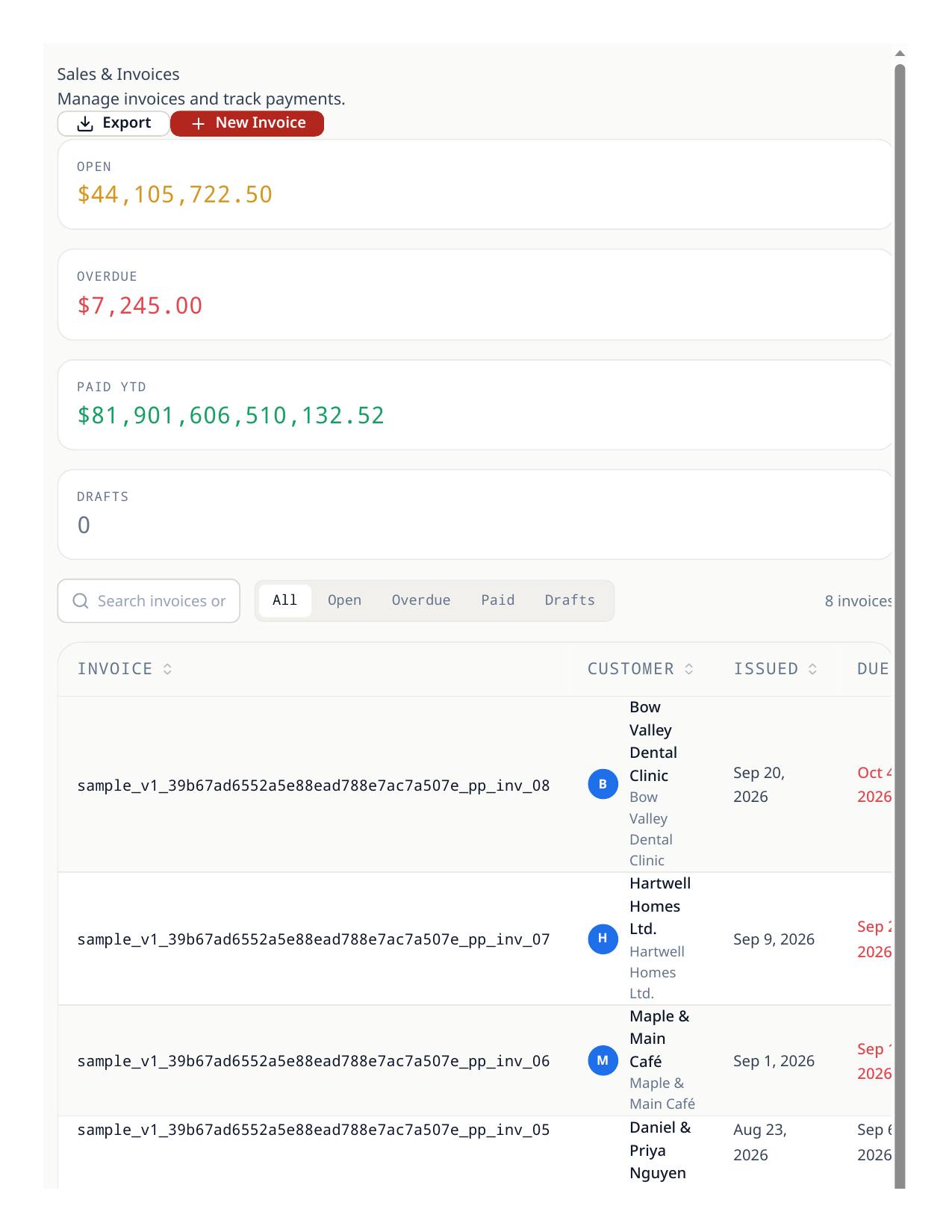
Prairie Peak raised eight invoices in Q3 2026 — $69,700 of work plus $3,485 GST. By September 30: five are paid, one has a $3,000 part payment against it, one is overdue, and one is sent and not yet due. That mix is deliberate in this walkthrough, because each state behaves differently.
Raise an invoice
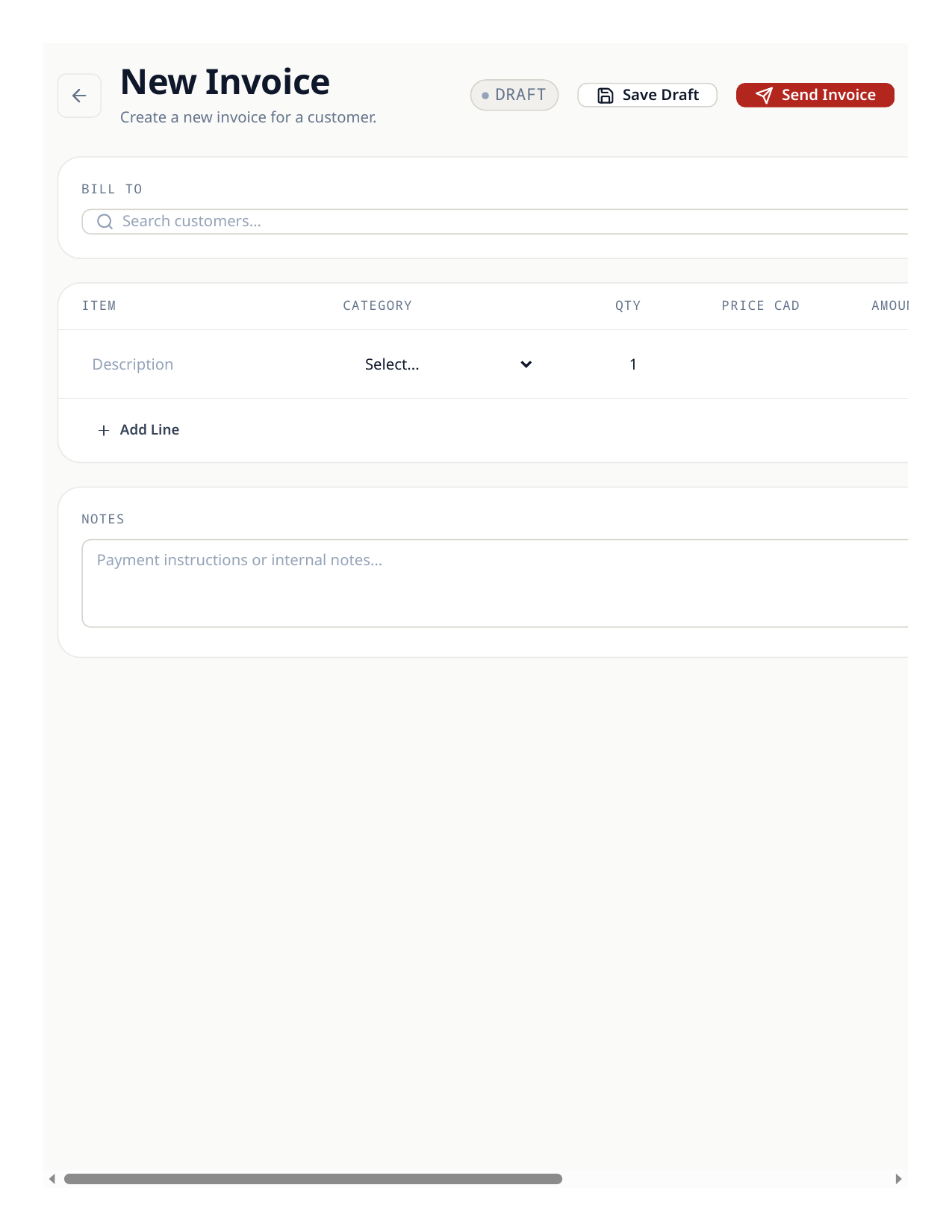
- 1Open Sales & Invoices and choose New invoice. Pick the customer — Hartwell Homes, in the overdue example.
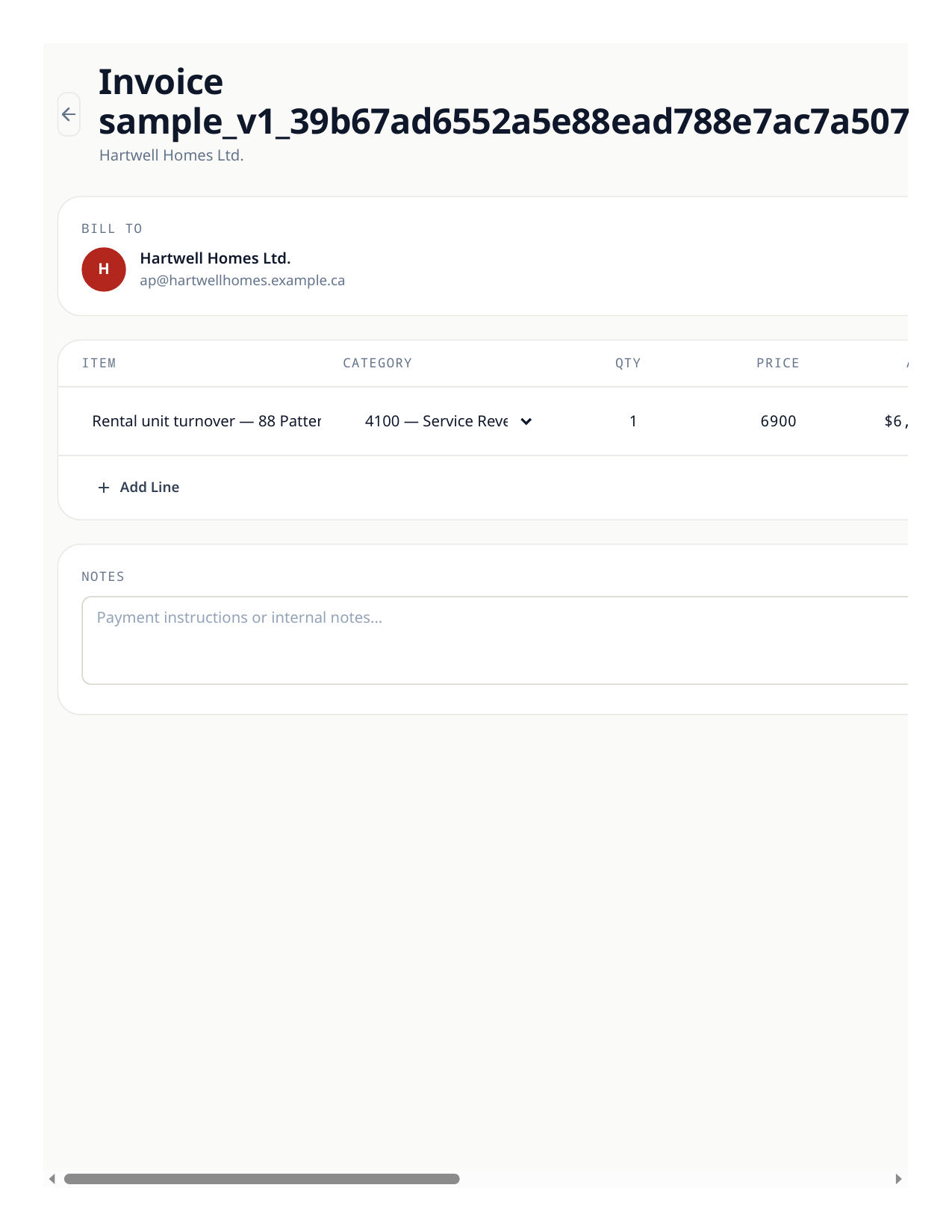
- 2Add lines with plain descriptions your customer will understand (“Rental unit turnover — 88 Patterson Blvd SW”). Each line carries its revenue category.
- 3GST is added at the invoice’s tax rate — 5% in Alberta. Check the totals: $6,900 of work, $345 GST, $7,245 total.
- 4Save and send. The invoice posts revenue and GST collected to the ledger and the amount owing onto the customer’s balance.
How payments land — through the bank, not the invoice
There is no “record payment” form on the invoice itself, by design: money is recorded where it actually moves — the bank account. When a customer pays, the payment arrives as a bank row; matching that row to the invoice creates the payment journal (debit bank, credit receivables) and reduces what the customer owes. Prairie Peak’s five paid invoices were all settled exactly this way.
- 1When a payment arrives, find its row in Banking (import the statement if needed) and match it to the open invoice. Posting the matched row clears that much of the receivable.
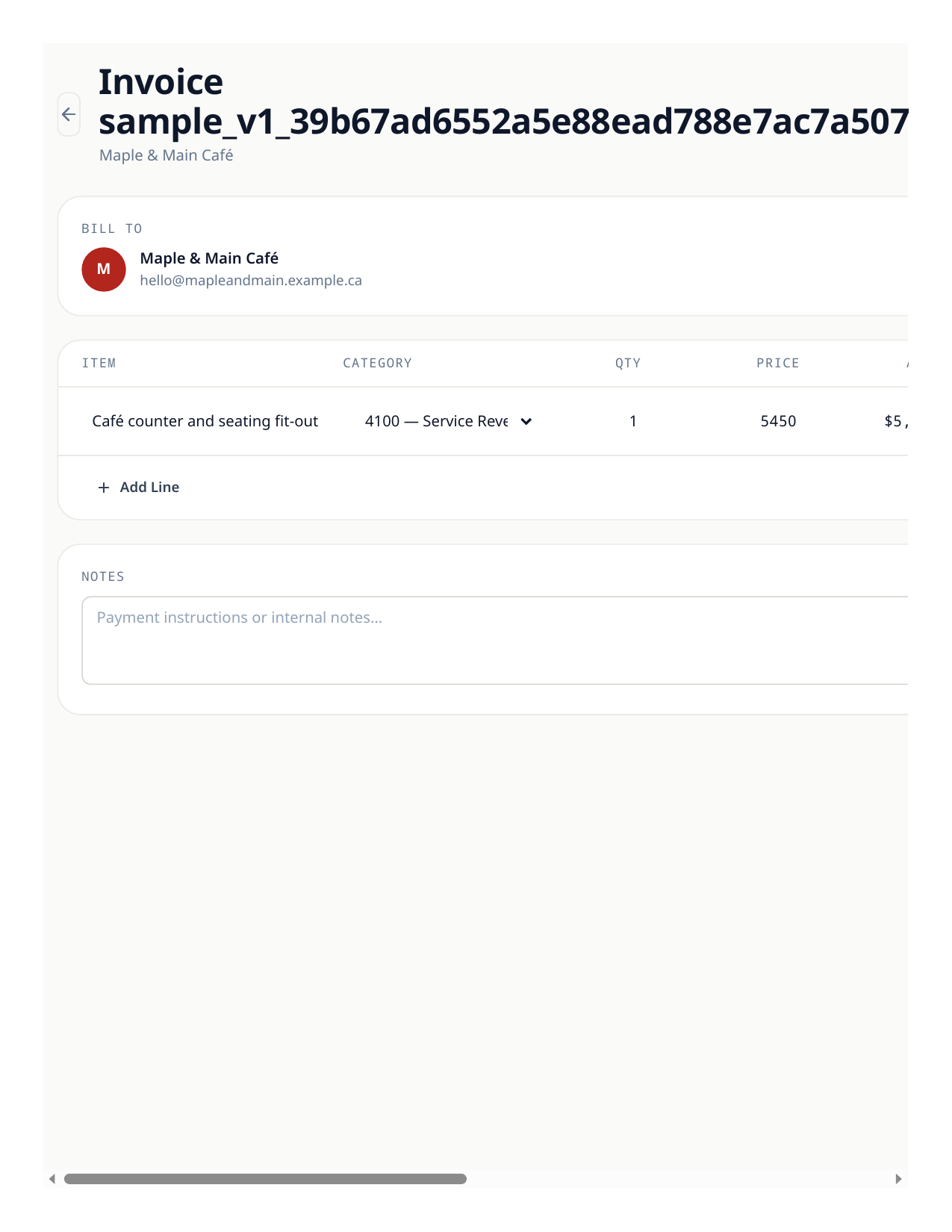
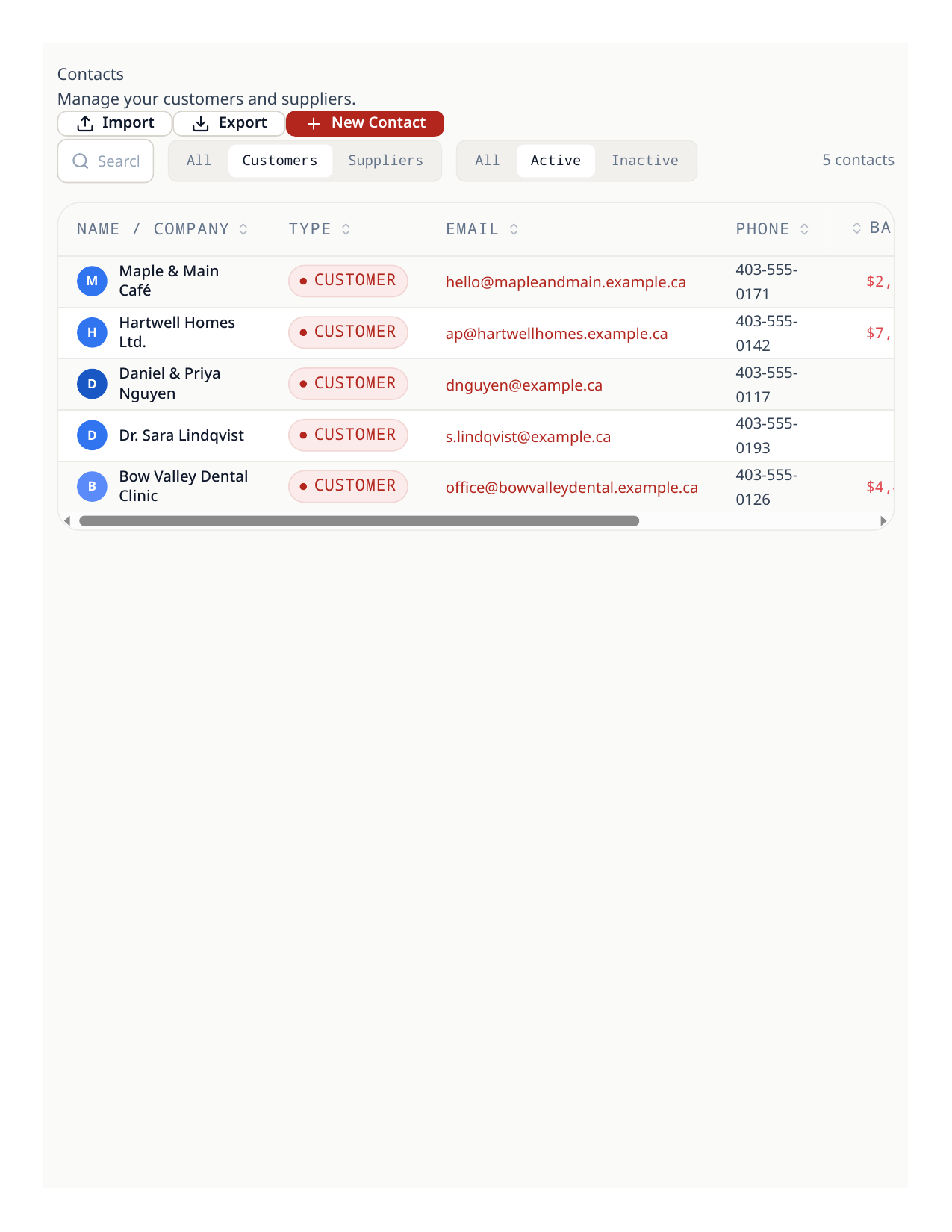
- 2A part payment is just a smaller match: Maple & Main Café paid $3,000 of their $5,722.50 on September 15. The invoice stays open, and the customer’s balance drops to $2,722.50.
- 3If money settled entirely outside the bank feed, the invoice list’s Mark Paid closes the invoice’s status — but it records no money, so prefer the bank match whenever a row exists.
Good to know
- An overdue invoice needs no special handling to keep the books right — aging is a report, the ledger already carries the receivable.
Try the workflow
Put your own books through the same steps
Start a LedgerPro trial, or open this workflow in your existing company. The guide stays available as a public reference either way.